Navigation
ℹ️

Infrastructure Update

Luigi's Box is updating its primary domain recommendations.

Our services are fully operational across both .com and .tech domains. To ensure the highest level of redundancy, we now recommend using the .tech domain for all integrations.

1. API Base URLs

Please update the base URLs for your specific services:

A. Search, Autocomplete, Product Listing, and Recommendations
SUPPORTED https://live.luigisbox.com
RECOMMENDED https://live.luigisbox.tech
B. Analytics
SUPPORTED https://api.luigisbox.com
RECOMMENDED https://api.luigisbox.tech

2. Frontend Script

Both script sources are valid, but we encourage updating to the .tech domain for consistency:

Supported
<script async src="https://scripts.luigisbox.com/LBX-123.js"></script>
Recommended
<script async src="https://scripts.luigisbox.tech/LBX-123.js"></script>

3. CSP & Firewalls

To support the recommended configuration, please ensure your Content Security Policy (CSP) includes the following:

script-src https://scripts.luigisbox.tech;
connect-src https://live.luigisbox.tech https://api.luigisbox.tech;

Support: support@luigisbox.net UPDATED: 01/07/2026

Debugging

To ease the debugging of analytics events you can use the Session explorer screen in the Luigi's Box application. This screen shows a real-time overview of all sessions which are in-progress and not yet flushed to Luigi's Box analytics. The screen shows you the list of sessions and a view of all events associated with that session.
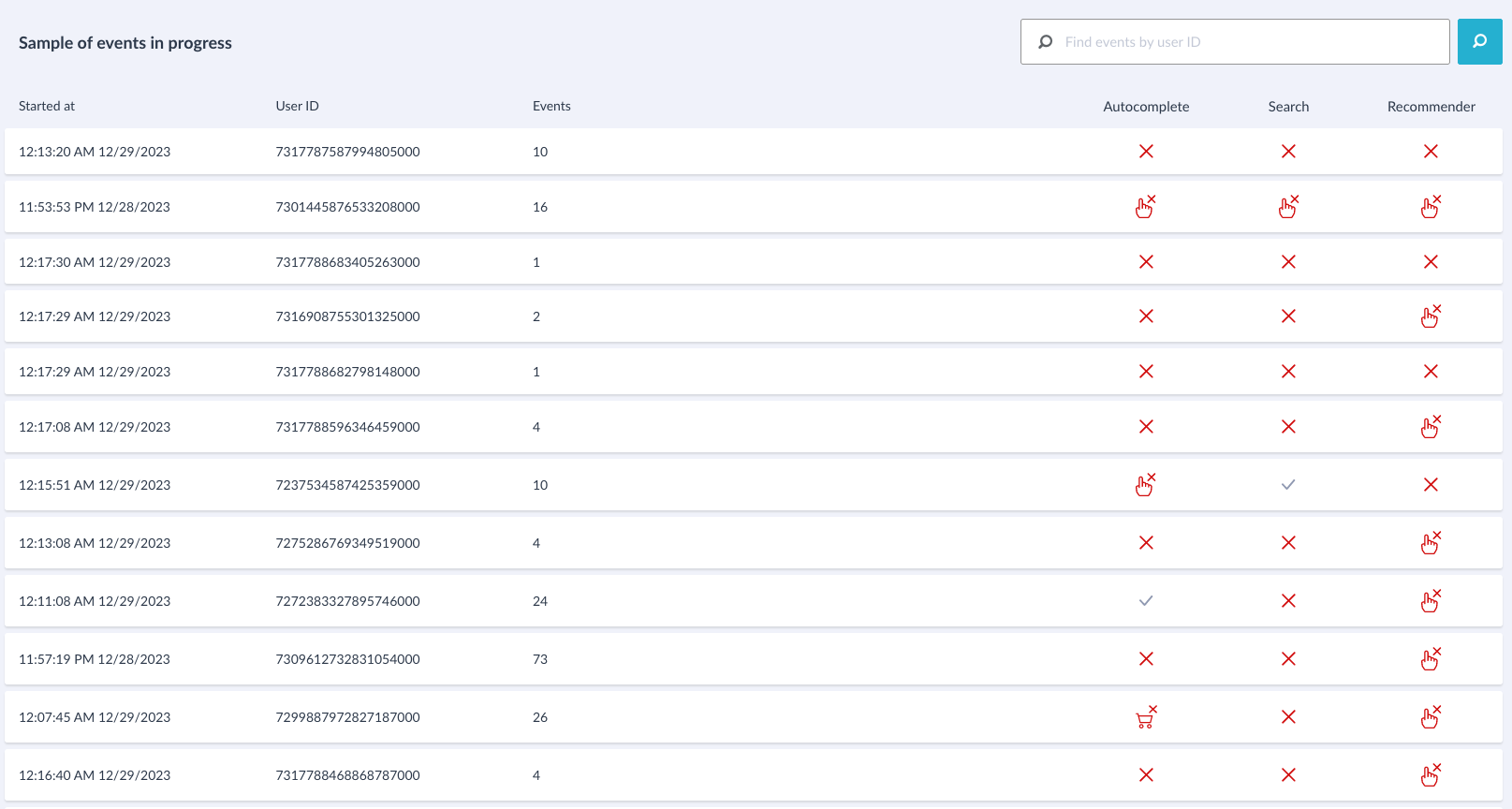
Session explorer

Click the session to explore individual events.
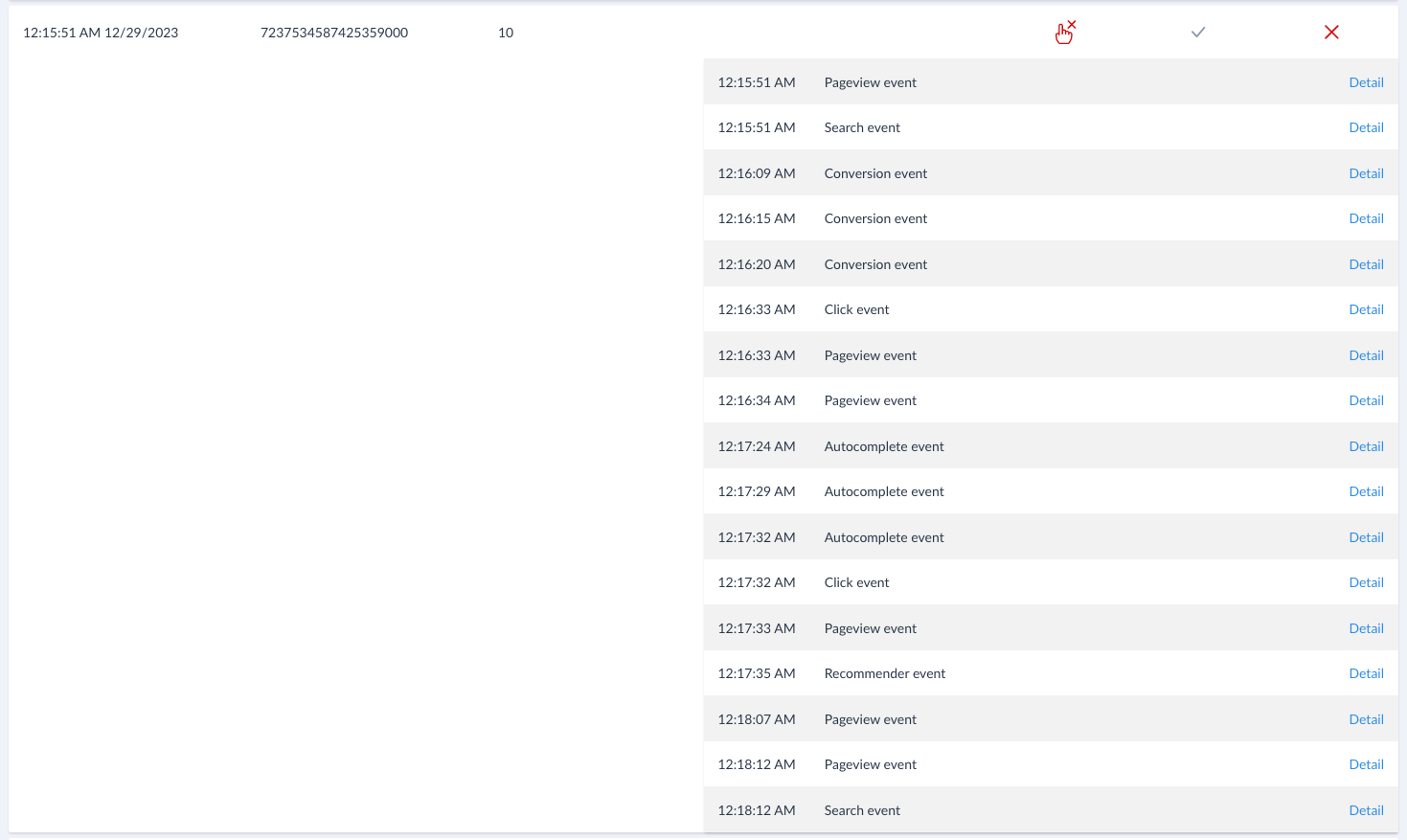
Session explorer

You can find the session explorer in the "General settings" menu.
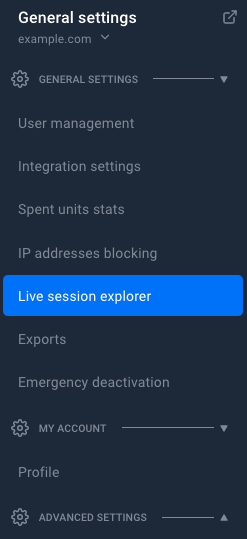
Session explorer menu