

Recommender tutorial
Recommender boxes
Section titled “Recommender boxes”This tutorial will guide you through the integration of a recommender experience and show interactions between different services and APIs.
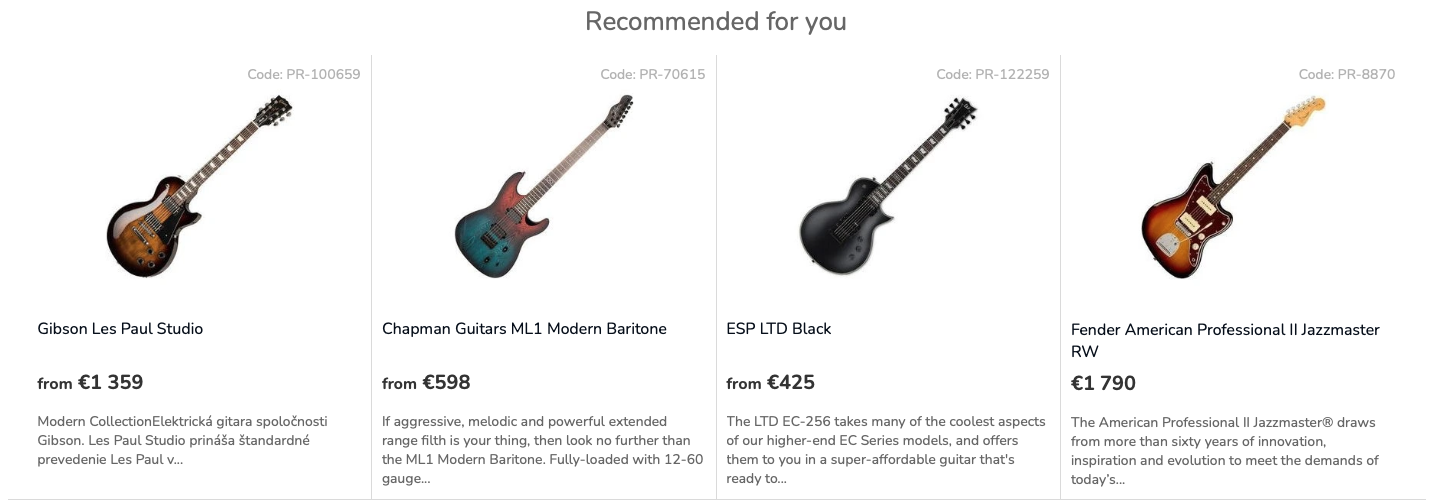
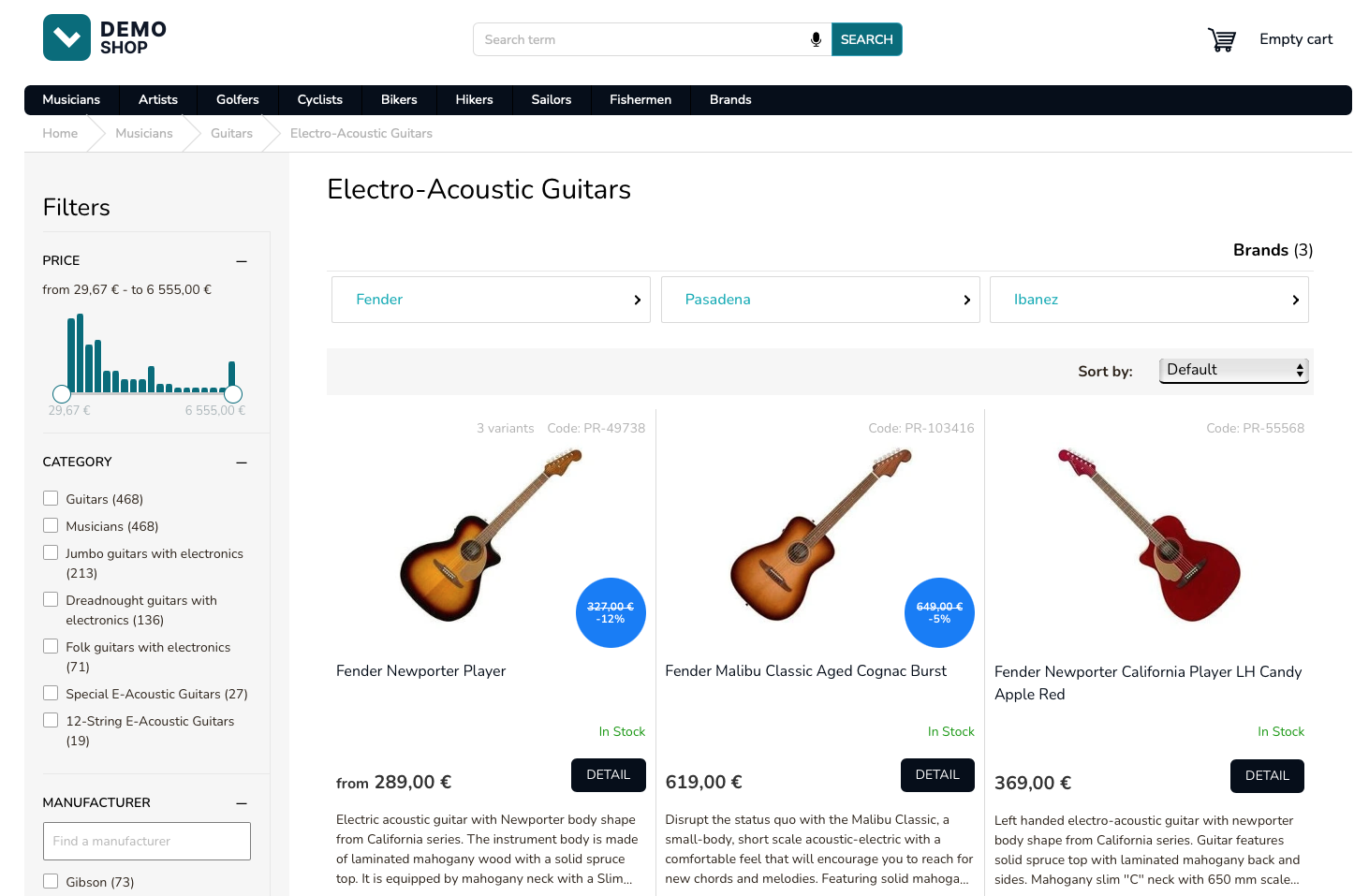
Use the recommender service to implement personalized recommender boxes such as the one depicted in the image.
Define recommender models
Section titled “Define recommender models”To start, you will need a recommender model which specifies the logic used to select the products into the recommender box.
You can create the models yourself in the Luigi’s Box application in the Recommendations > Recommenders setup section.
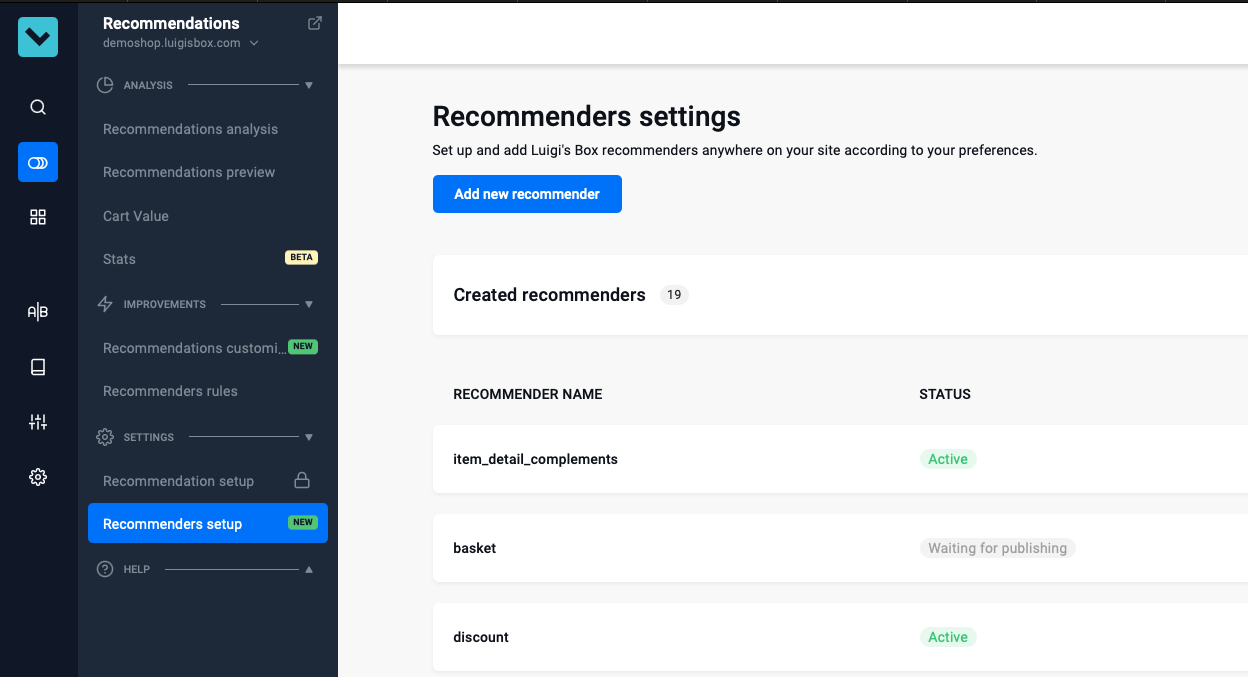
Click the “Add new recommender” button and follow the instructions.
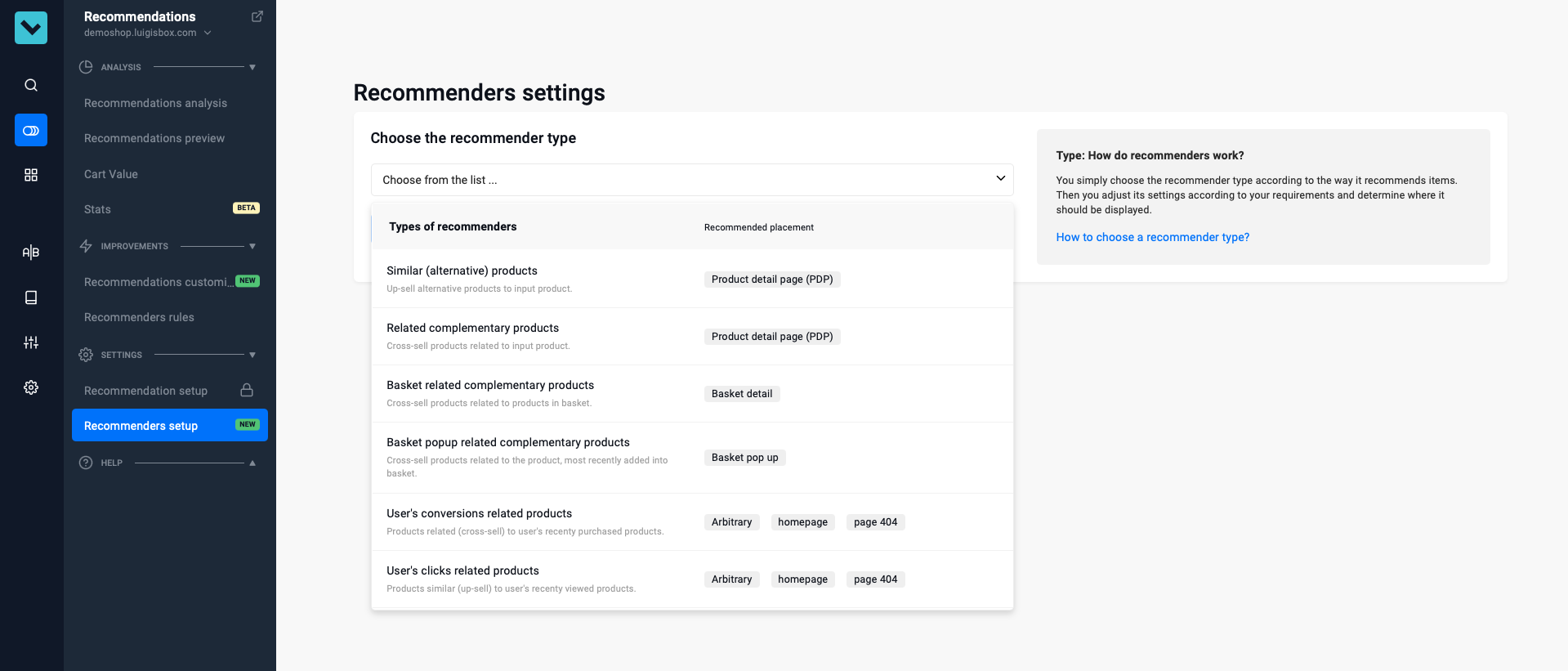
When you are done with the setup you will see the recommender model name assigned by the system (such as item_detail_complements). Note it down as you will need it to make API requests.
Make a request to recommender API
Section titled “Make a request to recommender API”Make a request to the recommender API. This is a POST request with a JSON payload.
POST https://live.luigisbox.com/v1/recommend?tracker_id=<tracker_id>[ { "item_ids": ["PR-15553"], "recommendation_type": "item_detail_complements", "recommender_client_identifier": "item_detail_complements", "size": 4, "user_id": "<transient_user_id>" }]Render recommendation box
Section titled “Render recommendation box”The recommender API response includes a metadata fields and the hits field which you should be already familiar with from implementing autocomplete and search endpoints. The structure of the hits attribute contains all the product data you have indexed.
[ { "generated_at": "2025-01-06T23:34:59.585570", "hits": [ { "url": "PR-100659", "attributes": { "image_link": "https://cdn.myshoptet.com/usr/demoshop.luigisbox.com/user/shop/detail/1778046_gibson-les-paul-studio.jpg", "title": "Gibson Les Paul Studio", "price_amount": 1359, "web_url": "/gibson-les-paul-studio/" }, "type": "item" }, { "url": "PR-70615", "attributes": { "image_link": "https://cdn.myshoptet.com/usr/demoshop.luigisbox.com/user/shop/detail/1777002_chapman-guitars-ml1-modern-baritone.jpg", "title": "Chapman Guitars ML1 Modern Baritone", "price_amount": 598, "web_url": "/chapman-guitars-ml1-modern-baritone/" }, "type": "item" } ], "recommendation_id": "e9d6957a-f471-4ea9-be7a-770c32a94afa", "recommendation_type": "item_detail_complements", "recommender": "item_detail_complements", "recommender_client_identifier": "item_detail_complements", "recommender_version": "04563f77e", "user_id": "7456102757361609000" }]API response shortened for brevity.
Fire a dataLayer event for recommender
Section titled “Fire a dataLayer event for recommender”After the recommendations have been rendered, fire a Recommendation dataLayer event describing what you have just rendered.
dataLayer.push({ event: "view_item_list", ecommerce: { item_list_name: "Recommendation", items: [ { item_id: "PR-100659", item_name: "Gibson Les Paul Studio", index: 1, price: 1359 }, { item_id: "PR-70615", item_name: "Chapman Guitars ML1 Modern Baritone", index: 1, price: 598 } ], filters: { "RecommenderClientId": "item_detail_complements", "ItemIds": ["PR-15553"] } }});dataLayer event shortened for brevity.
Fire dataLayer click event
Section titled “Fire dataLayer click event”When the user clicks on a recommendation, immediately fire a dataLayer event.
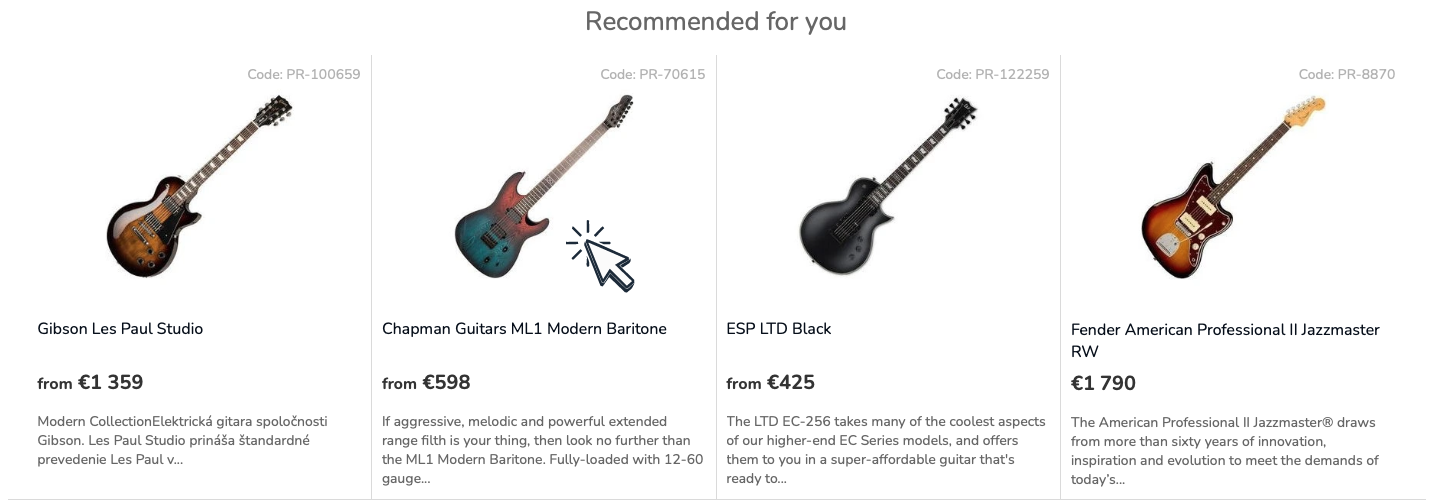
dataLayer.push({ event: "select_item", ecommerce: { items: [ { item_id: "PR-70615", } ] }});Fire dataLayer customer_id event
Section titled “Fire dataLayer customer_id event”dataLayer.push({ event: "luigisbox.collector.customer_id", customer_id: "281827"});Once you know the personalized user ID, emit a customer_id dataLayer event. It is safe to emit the event just once per session, but it will not cause any problems if you emit it more than once per session.
Make a request to recommender API for identified user
Section titled “Make a request to recommender API for identified user”Make a request to the recommender API. This is a POST request with a JSON payload. Note that the only difference is in the value of the user_id parameter which now points to your internal user ID which you propagated to the dataLayer.
POST https://live.luigisbox.com/v1/recommend?tracker_id=<tracker_id>[ { "item_ids": ["PR-15553"], "recommendation_type": "item_detail_complements", "recommender_client_identifier": "item_detail_complements", "size": 4, "user_id": "<persistent_user_id>" }]Batch multiple recommendations into a single API request
Section titled “Batch multiple recommendations into a single API request”For cases where you need to request recommendations for several different models, it is more efficient to issue a single request. This will be typically useful for scenarios where you are rendering several recommender boxes on a single page.
By asking for several recommendations in a single request you will also automatically avoid duplicate recommendations.
POST https://live.luigisbox.com/v1/recommend?tracker_id=<tracker_id>[ { "item_ids": ["PR-15553"], "recommendation_type": "item_detail_complements", "recommender_client_identifier": "item_detail_complements", "size": 4, "user_id": "<transient_user_id>" }, { "item_ids": [], "recommendation_type": "last_seen", "recommender_client_identifier": "last_seen", "size": 6, "user_id": "<transient_user_id>" }]Limit amount of data transferred
Section titled “Limit amount of data transferred”To limit the amount of data transferred between systems, specify the hit_fields attribute in the API request. It is an array of result properties which will be included in the API response. By using this, you can significantly reduce the amount of data transfer and increase performance.
POST https://live.luigisbox.com/v1/recommend?tracker_id=<tracker_id>[ { "item_ids": ["PR-15553"], "recommendation_type": "item_detail_complements", "recommender_client_identifier": "item_detail_complements", "size": 4, "user_id": "<transient_user_id>", "hit_fields": ["title", "image_link", "description", "price_amount"] }]What’s next?
Section titled “What’s next?”Continue by implementing the product listings.
Was this page helpful?
Thanks.