

Product listing tutorial
Product listing integration
Section titled “Product listing integration”Product listing integration follows the same principles as the search integration. Follow the search tutorial for more details.
This tutorial only highlights the couple of deviations from search.
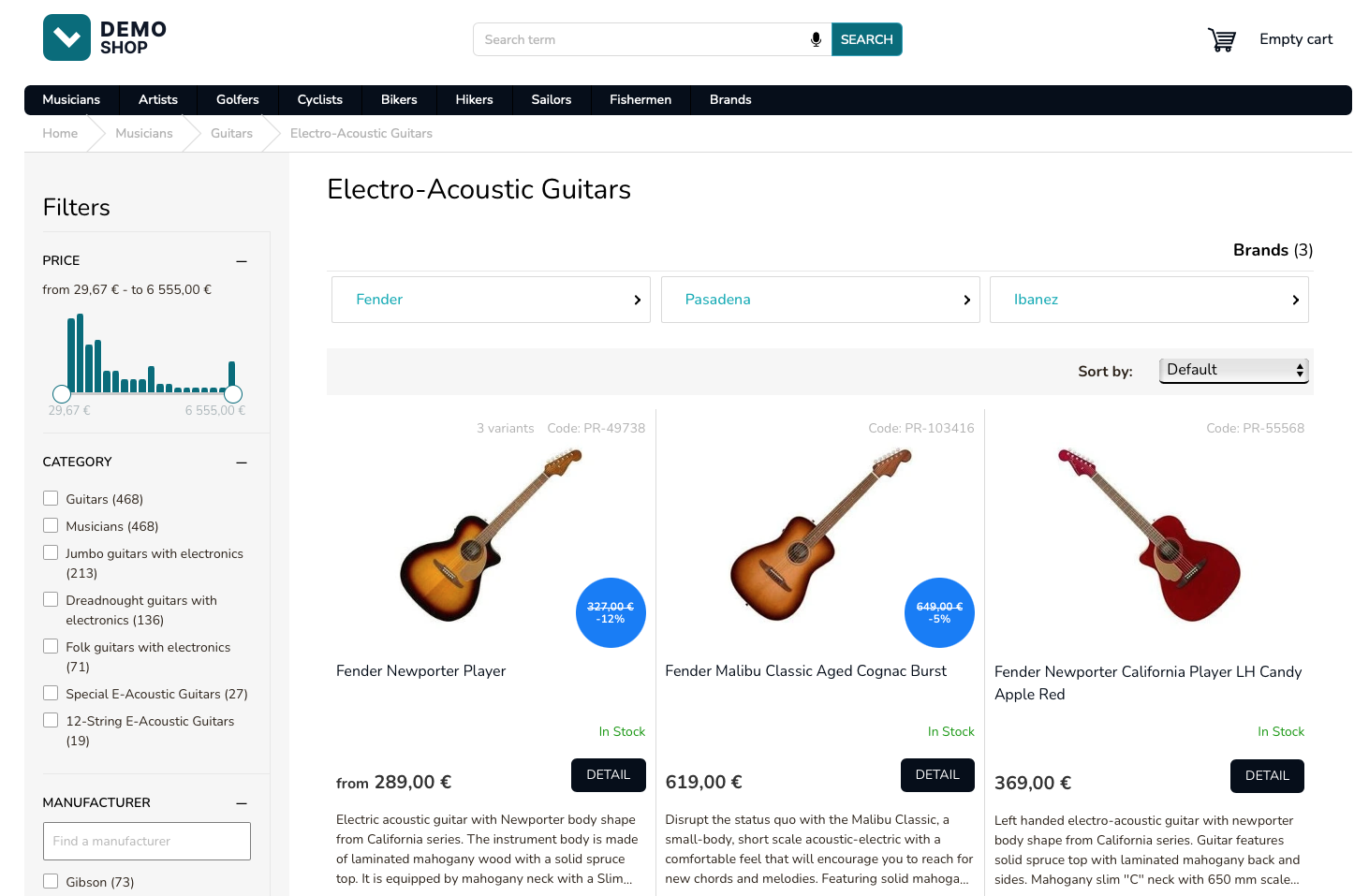
Product listing integration prerequisites
Section titled “Product listing integration prerequisites”Before you begin the implementation, ensure that a valid pairing between products and categories exists. See the Pairing docs for more details.
PLP API request
Section titled “PLP API request”
GET https://live.luigisbox.com/search ?f[]=type:item &f[]=category_id:<category_id> &plp=category_id &facets=price_amount,categoryFire a dataLayer event for product listing
Section titled “Fire a dataLayer event for product listing”After the results have been rendered, fire a Product listing dataLayer event describing what you have just rendered.
dataLayer.push({ event: "view_item_list", ecommerce: { item_list_name: "Product Listing", items: [ { item_id: "PR-49738", item_name: "Fender Newporter Player", index: 0, price: 289 }, { item_id: "PR-103416", item_name: "Fender Malibu Classic Aged Cognac Burst", index: 1, price: 619 } ], scopes: { "CategoryLabel": "Musicians | Guitars | Electro-Acoustic Guitars", "CategoryIdentity": "882827" }, filters: {} }});dataLayer event shortened for brevity.
dataLayer click event
Section titled “dataLayer click event”When the user clicks on a result, immediately fire a dataLayer event.
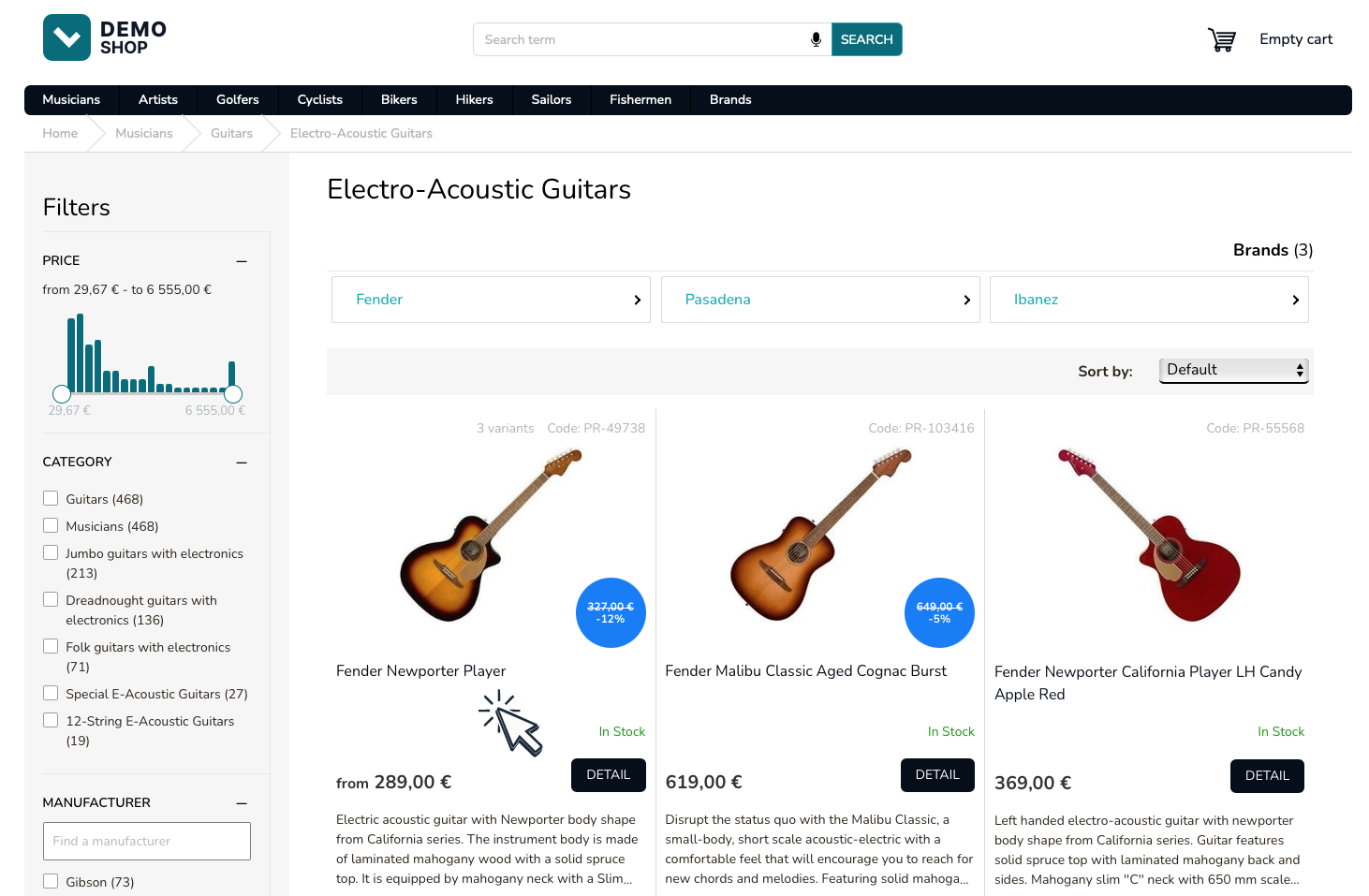
dataLayer.push({ event: "select_item", ecommerce: { items: [ { item_id: "PR-49738", } ] }});Was this page helpful?
Thanks.