

Autocomplete tutorial
Initial page load
Section titled “Initial page load”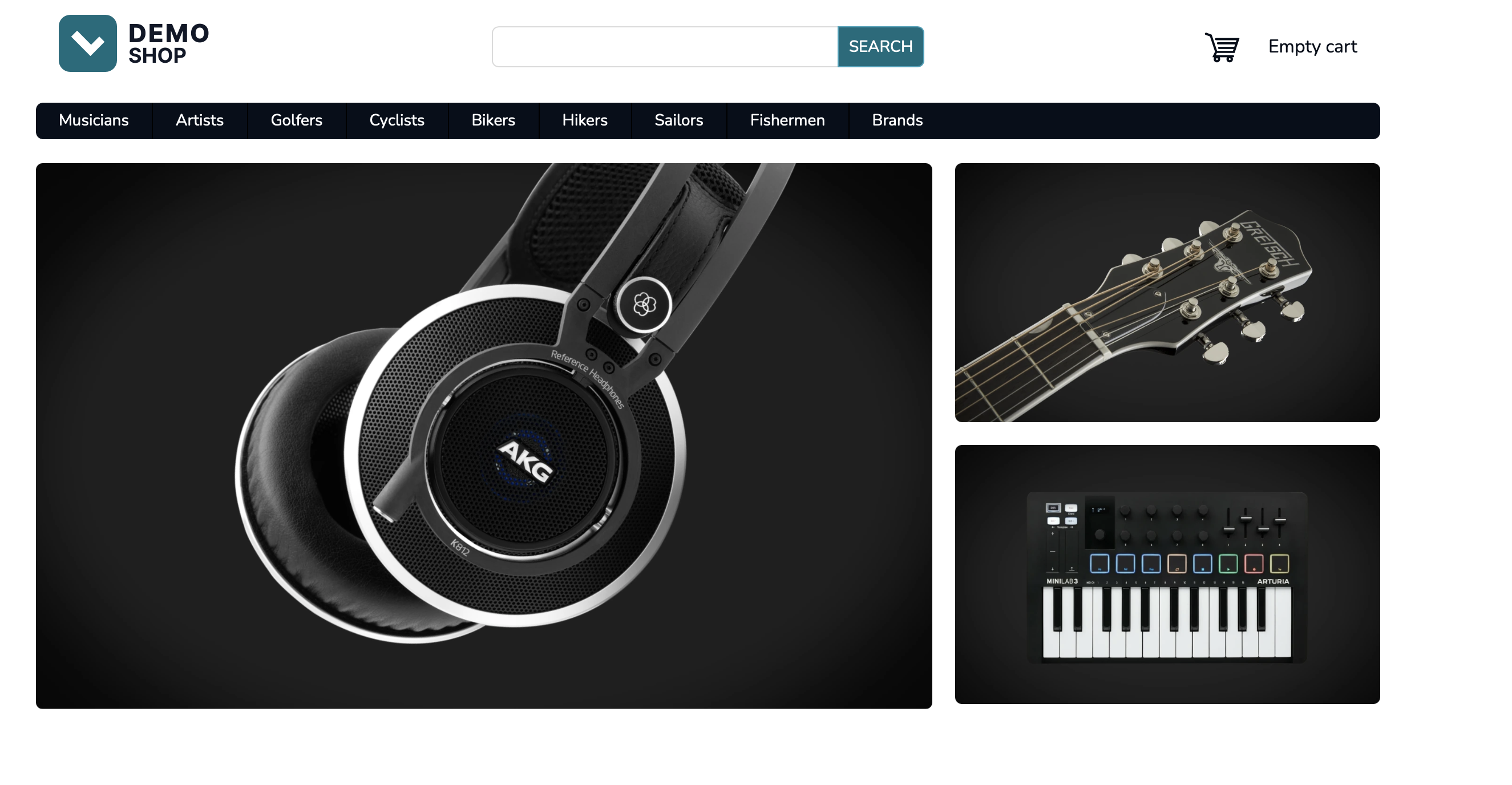
This tutorial will walk you through integrating the autocomplete feature and demonstrate interactions between various Luigi’s Box services and APIs.
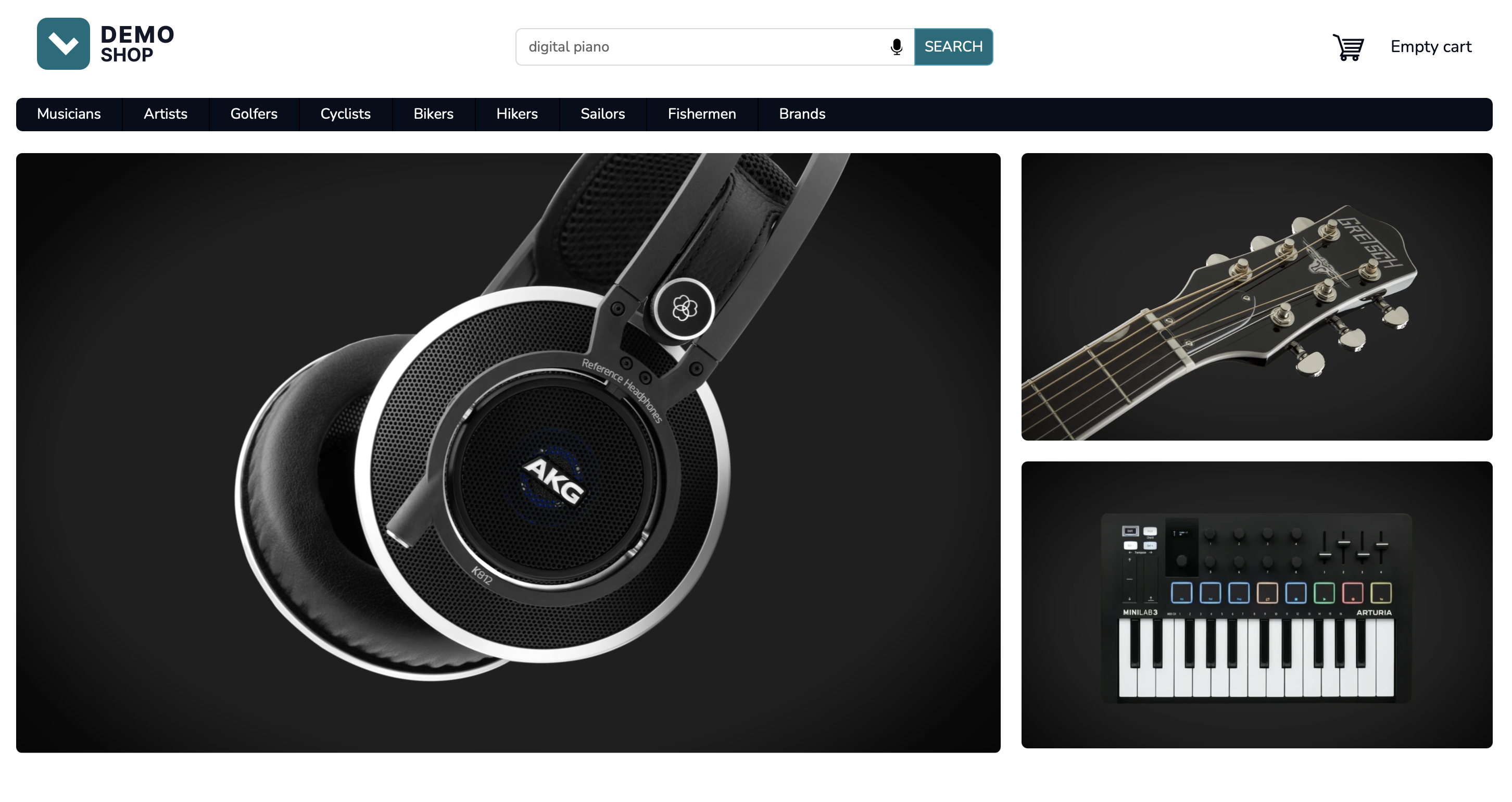
The autocomplete flow begins by the user entering the site at a title page. The included LBX script will automatically set an _lb cookie which will represent the transient user ID.
document.cookie.match(/_lb=(.*?);/)Load query suggestions
Section titled “Load query suggestions”As the page loads, fetch the query suggestions using the Trending queries API.
Implementing this experience is not strictly necessary, but it will point user attention to search and increase search usage.
https://live.luigisbox.com/v2/trending_queries ?tracker_id=<tracker_id>Render query suggestions
Section titled “Render query suggestions”The API call will give you back a list of queries. You can render these as typing suggestions or placeholder texts in the searchbox to nudge the user into using the search.
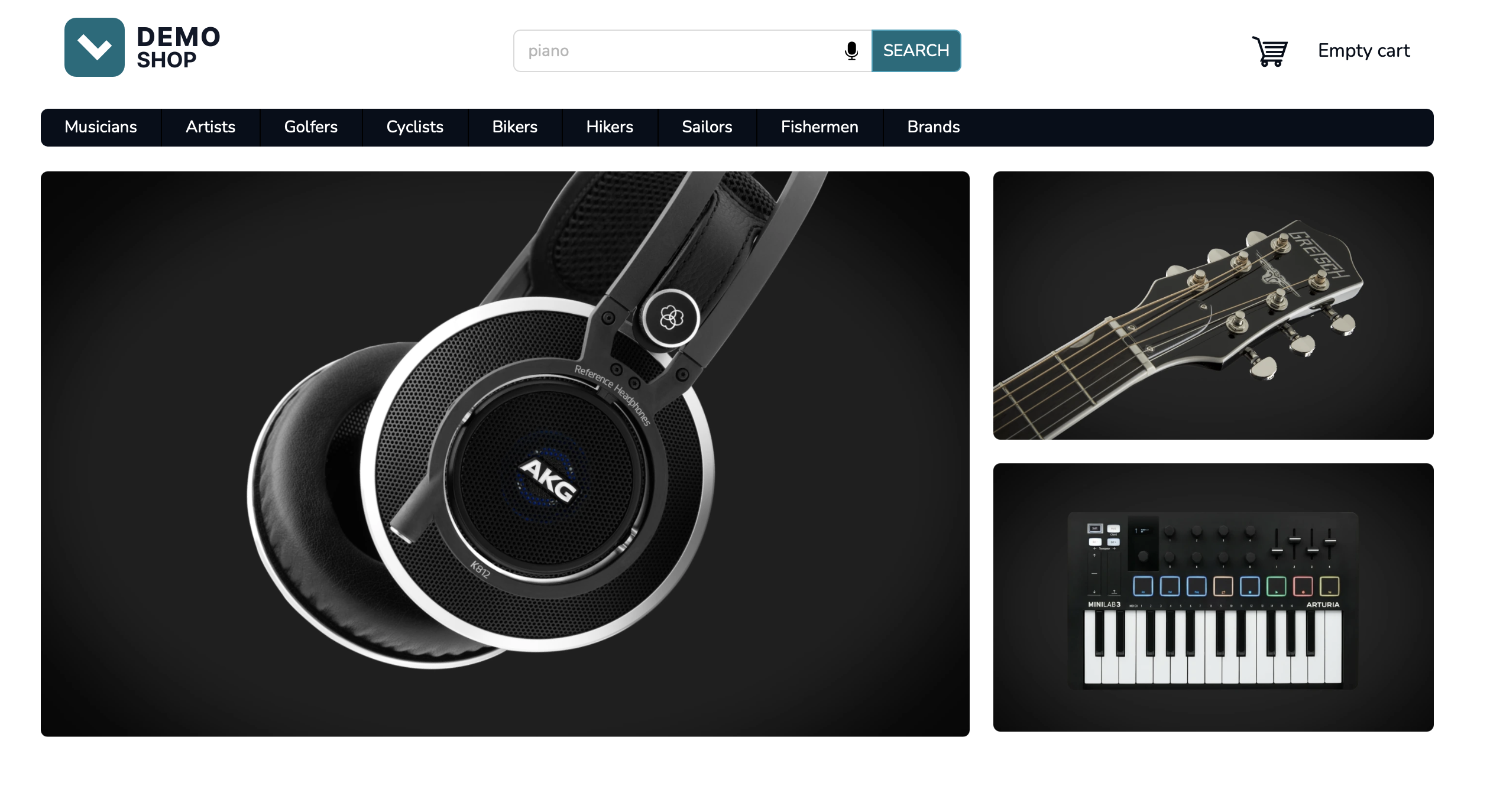
Example response from the Trending queries endpoint:
[ { "title": "search and get 10% off" }, { "title": "piano" }, { "title": "casio" }]User clicks into empty searchbox
Section titled “User clicks into empty searchbox”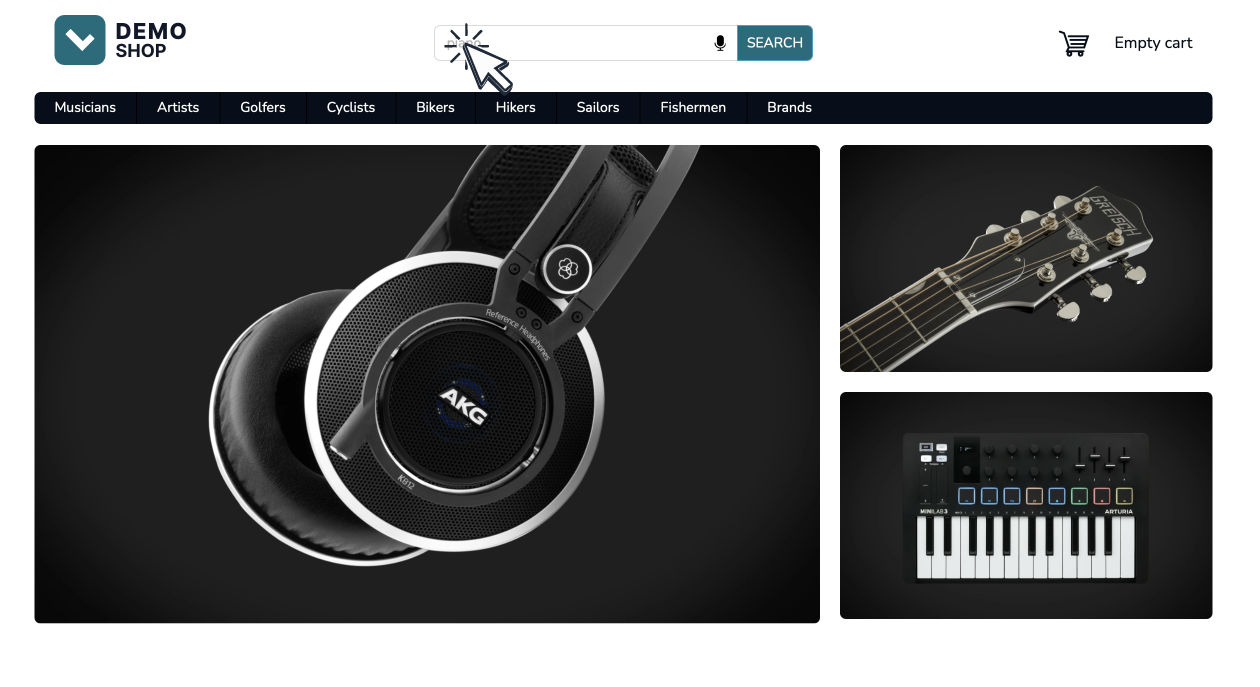
When the user clicks into the searchbox, display the autocomplete popup immediately, showing recommendations. Call the Top items API endpoint to load recommendations for categories, brands, products and other types you have indexed.
https://live.luigisbox.com/v1/personalized_top_items?tracker_id=<tracker_id>&type=item:6,category:3,brand:3,query:3&user_id=<transient_user_id>&remove_fields=nestedtype=item:6,category:3,brand:3,query:3- list the object types you want to load and the sizesuser_id=<transient_user_id>- pass the value of the_lbcookieremove_fields=nested- this will omit nested objects from the API response and will lead to faster loading times.
Render initial recommendations in the autocomplete popup
Section titled “Render initial recommendations in the autocomplete popup”Use the API response from the Top items endpoint to render suggestions for the users.
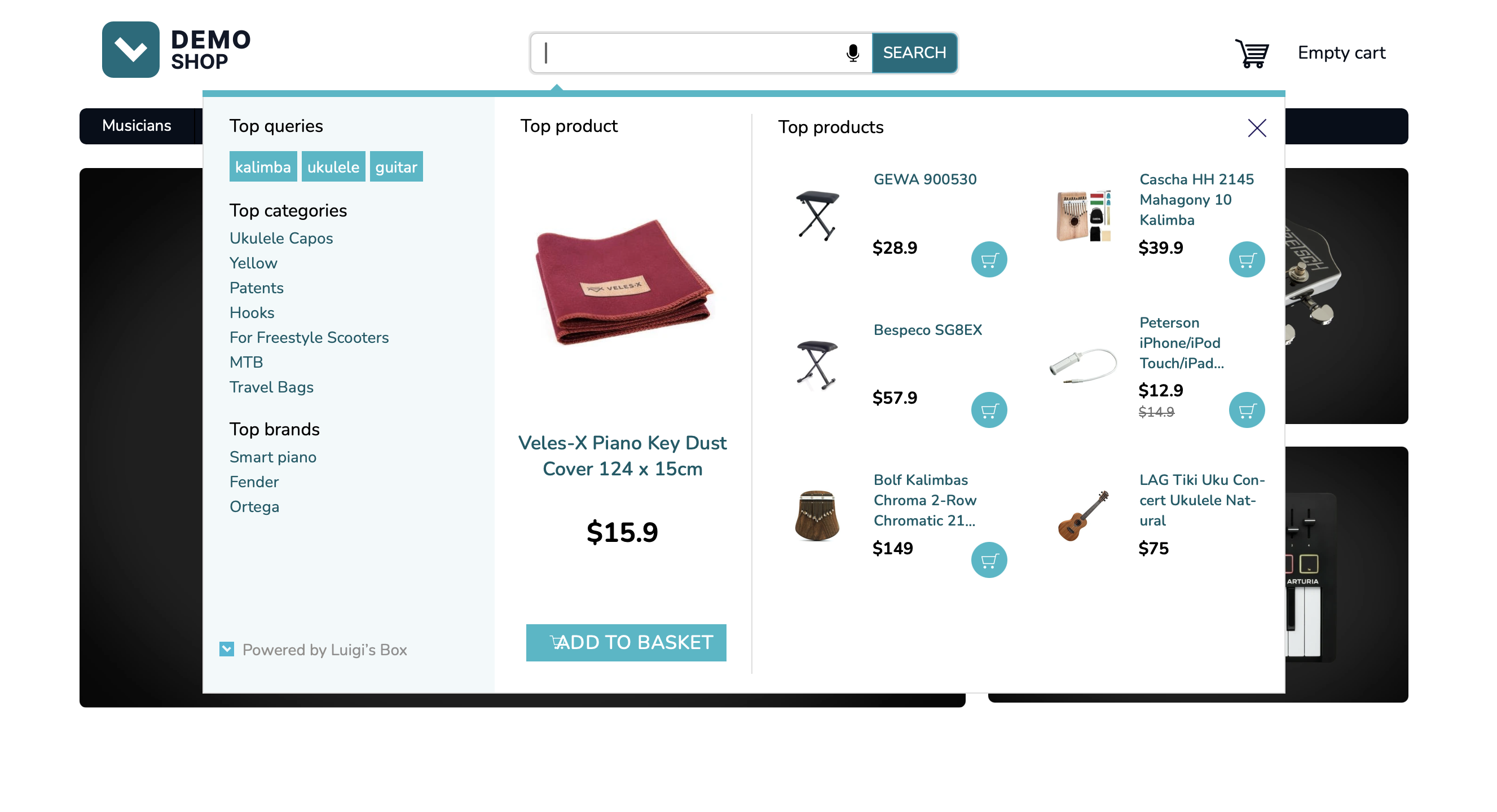
{ "hits": [ { "url": "PR-105359", "attributes": { "image_link": "https://cdn.myshoptet.com/usr/demoshop.luigisbox.com/user/shop/detail/1773108_veles-x-piano-key-dust-cover-124-x-15cm.jpg", "title": "Veles-X Piano Key Dust Cover 124 x 15cm", "price_eur_amount": 15.9, "web_url": "/veles-x-piano-key-dust-cover-124-x-15cm/" }, "type": "item" }, { "url": "PR-6552", "attributes": { "image_link": "https://cdn.myshoptet.com/usr/demoshop.luigisbox.com/user/shop/detail/1772742_gewa-900530.jpg", "title": "GEWA 900530", "price_eur_amount": 28.9, "web_url": "/gewa-900530/" }, "type": "item" }, { "url": "kalimba", "attributes": { "title": "kalimba" }, "type": "query" }, { "url": "ukulele", "attributes": { "title": "ukulele" }, "type": "query" }, { "url": "/ukulele-capos/", "attributes": { "title": "Ukulele Capos", "web_url": "/ukulele-capos/" }, "type": "category" }, { "url": "/smart-piano/", "attributes": { "title": "Smart piano", "web_url": "/smart-piano/" }, "type": "brand" } ], "recommendation_id": "default"}API response shortened for brevity.
Fire dataLayer event
Section titled “Fire dataLayer event”After the top items recommendations have been rendered, fire a recommendation dataLayer event describing what you have just rendered.
dataLayer.push({ event: "view_item_list", ecommerce: { item_list_name: "Recommendation", items: [ { item_id: "PR-105359", item_name: "Veles-X Piano Key Dust Cover 124 x 15cm", index: 1, price: 15.9, type: "item" }, { item_id: "PR-6552", item_name: "GEWA 900530", index: 3, price: 28.9, type: "item" }, { item_id: "/ukulele-capos/", item_name: "Ukulele Capos", index: 3, type: "category" }, { item_id: "/smart-piano/", item_name: "Smart piano", index: 4, type: "brand" } ], filters: { "Recommender": "autocomplete_popup", "RecommenderClientId": "autocomplete_popup" } }});dataLayer event shortened for brevity.
User starts typing
Section titled “User starts typing”When the user types in a query into the searchbox, fire an API request to the autocomplete endpoint to fetch the suggestions for the popup.
GET https://live.luigisbox.com/autocomplete/v2 ?q=digital+piano &type=item:7,category:3,brand:3,query:3 &user_id=<transient_user_id>q- pass the search phrase (value of the searchbox)type=item:7,category:3,brand:3,query:3- list the object types you want to load and the sizesuser_id=<transient_user_id>- pass the value of the_lbcookie
Render autocomplete/suggestions
Section titled “Render autocomplete/suggestions”The API response will include all the product data that you will use to render a popup or widget that shows the results.
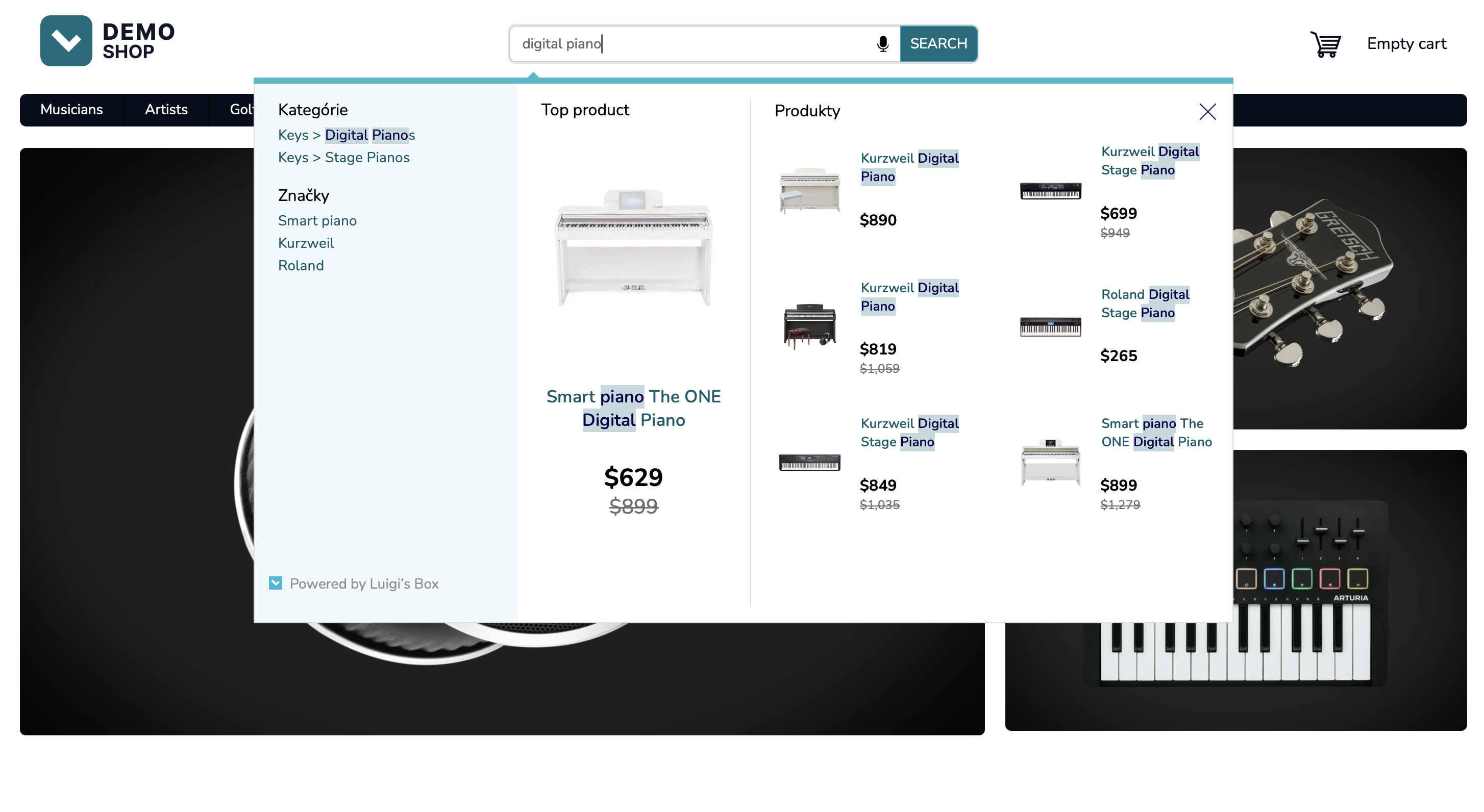
{ "hits": [ { "url": "PR-15553", "attributes": { "image_link": "https://cdn.myshoptet.com/usr/demoshop.luigisbox.com/user/shop/detail/1774257_smart-piano-the-one-digital-piano.jpg", "title": "Smart <em>piano</em> The ONE <em>Digital</em> Piano", "title.untouched": "Smart piano The ONE Digital Piano", "price_amount": 629, "web_url": "/smart-piano-the-one-digital-piano/" }, "type": "item" }, { "url": "PR-76761", "attributes": { "image_link": "https://cdn.myshoptet.com/usr/demoshop.luigisbox.com/user/shop/detail/1784343_kurzweil-digital-piano.jpg", "title": "Kurzweil <em>Digital</em> <em>Piano</em>", "title.untouched": "Kurzweil Digital Piano", "price_amount": 890, "web_url": "/kurzweil-digital-piano/" }, "type": "item" }, { "url": "piano", "attributes": { "title": "<em>piano</em>", "title.untouched": "piano" }, "type": "query" }, { "url": "/digital-pianos/", "attributes": { "title": "<em>Digital</em> <em>Piano</em>s", "title.untouched": "Digital Pianos", "hierarchy": [ "Musicians", "Keys" ], "web_url": "/digital-pianos/" }, "type": "category" }, { "url": "/smart-piano/", "attributes": { "title": "Smart piano", "web_url": "/smart-piano/" }, "type": "brand" } ]}API response shortened for brevity.
Fire a dataLayer event for autocomplete
Section titled “Fire a dataLayer event for autocomplete”After the results have been rendered, fire a dataLayer event describing what you have just rendered.
dataLayer.push({ event: "view_item_list", ecommerce: { item_list_name: "Autocomplete", search_term: "digital piano", items: [ { item_id: "PR-15553", item_name: "Smart piano The ONE Digital Piano", index: 1, price: 629 }, { item_id: "PR-76761", item_name: "Kurzweil Digital Piano", index: 2, price: 890 }, { item_id: "/digital-pianos/", item_name: "Digital pianos", index: 3, type: "category" }, { item_id: "/smart-piano/", item_name: "Smart piano", index: 4, type: "brand" } ] }});dataLayer event shortened for brevity.
Fire dataLayer click event
Section titled “Fire dataLayer click event”When the user clicks on a result, immediately fire a dataLayer event.
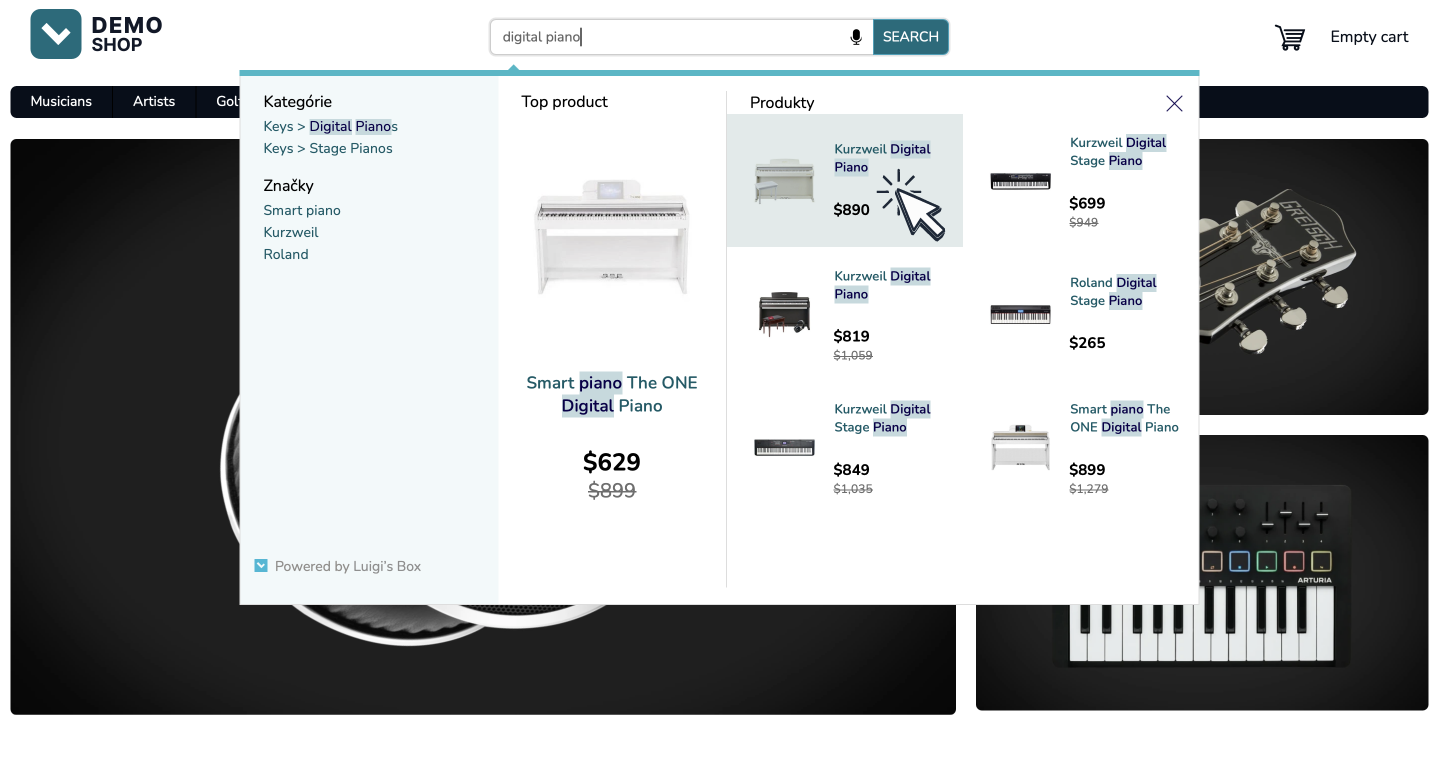
dataLayer.push({ event: "select_item", ecommerce: { items: [ { item_id: "PR-76761", } ] }});Fire impression dataLayer event
Section titled “Fire impression dataLayer event”When the product detail page loads, fire an impression dataLayer event.
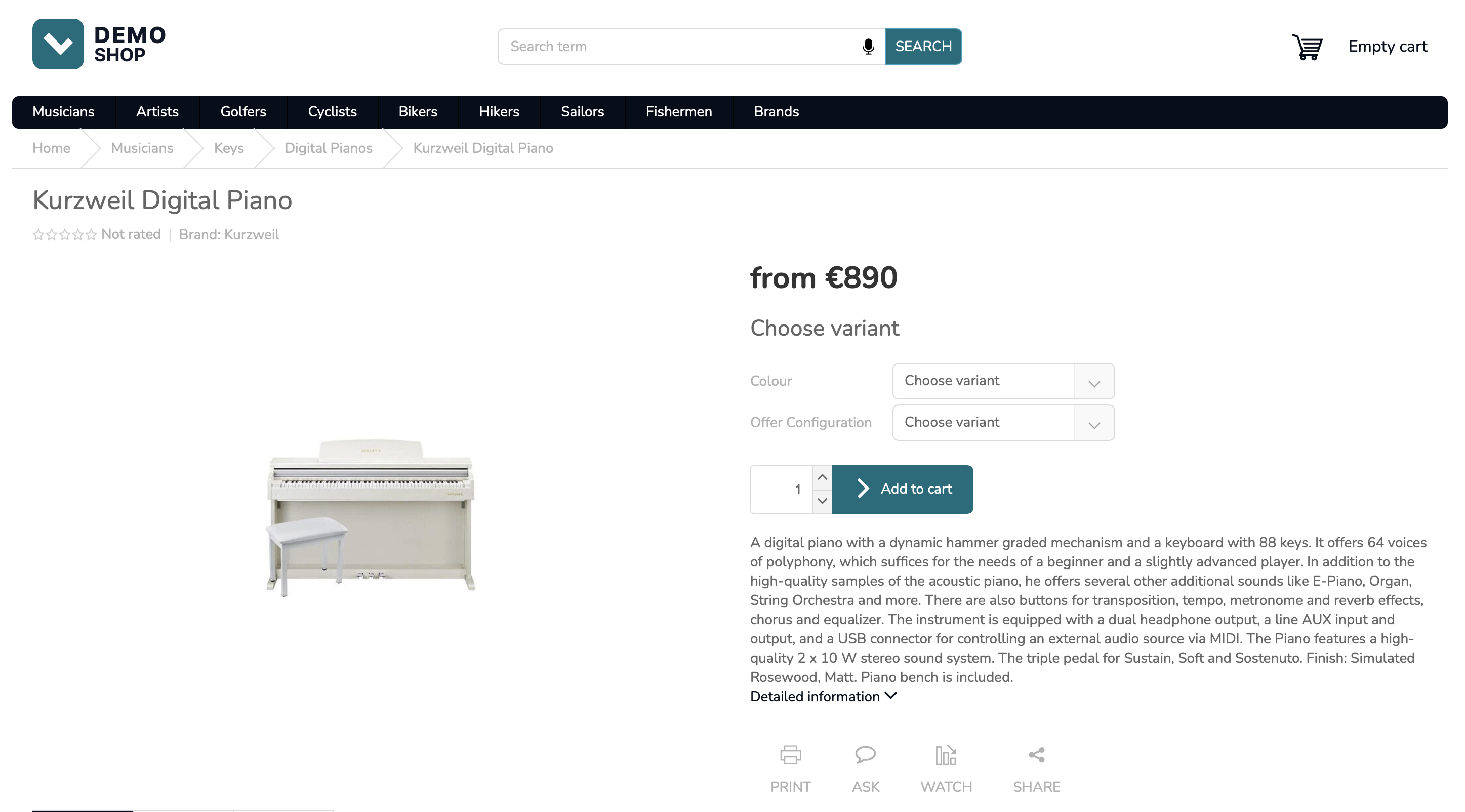
dataLayer.push({ event: "view_item", ecommerce: { items: [ {item_id: "PR-76761"} ] }});Fire add_to_cart event
Section titled “Fire add_to_cart event”When the user adds the product to cart, fire an add_to_cart dataLayer event.
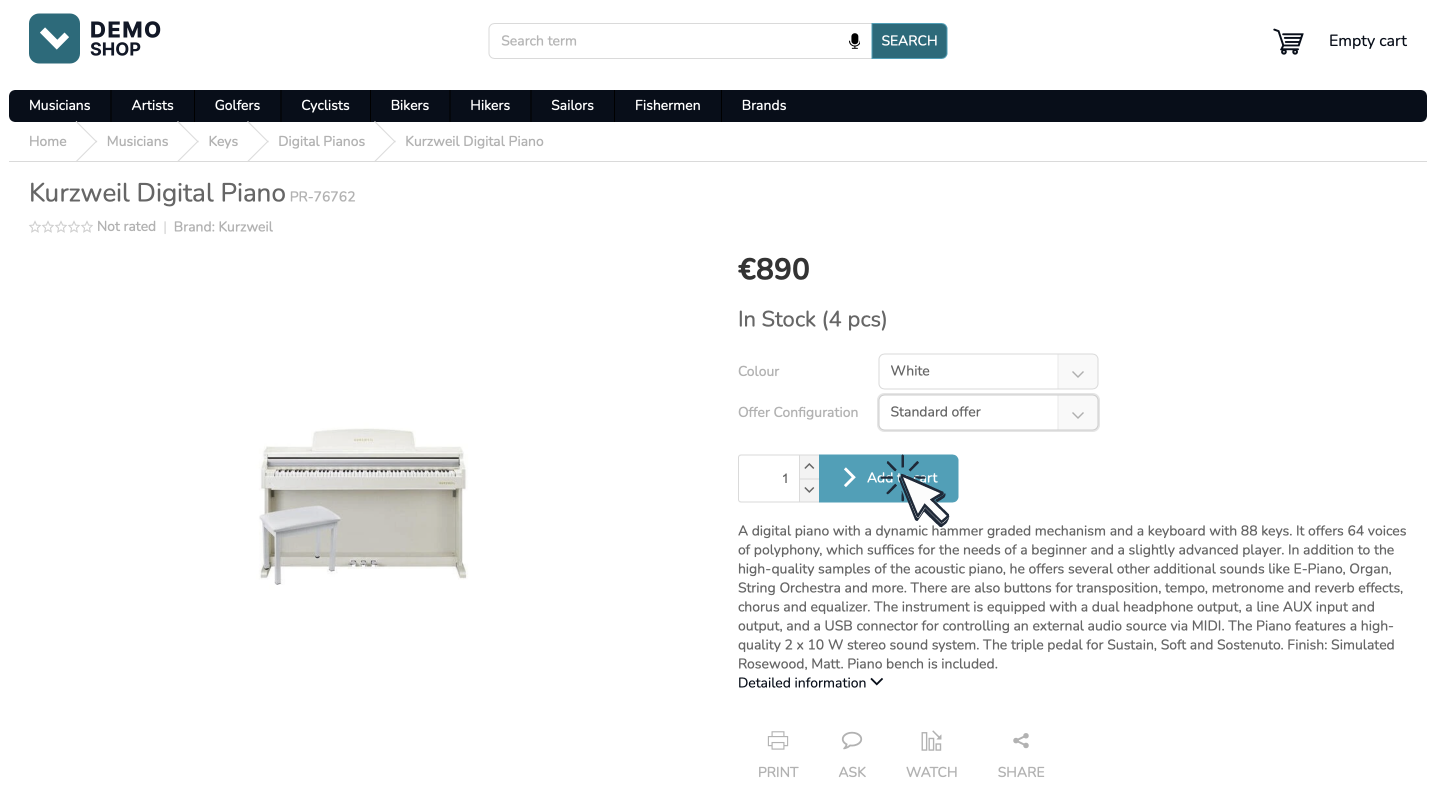
dataLayer.push({ event: "add_to_cart", ecommerce: { currency: "EUR", value: 890, items: [ {item_id: "PR-76761"} ] }});Fixit rules integration
Section titled “Fixit rules integration”To provide deeper integration with Luigi’s Box Fixit redirect rules, you can mark the redirect queries and you can provide early redirects to ensure smooth experience for the user.
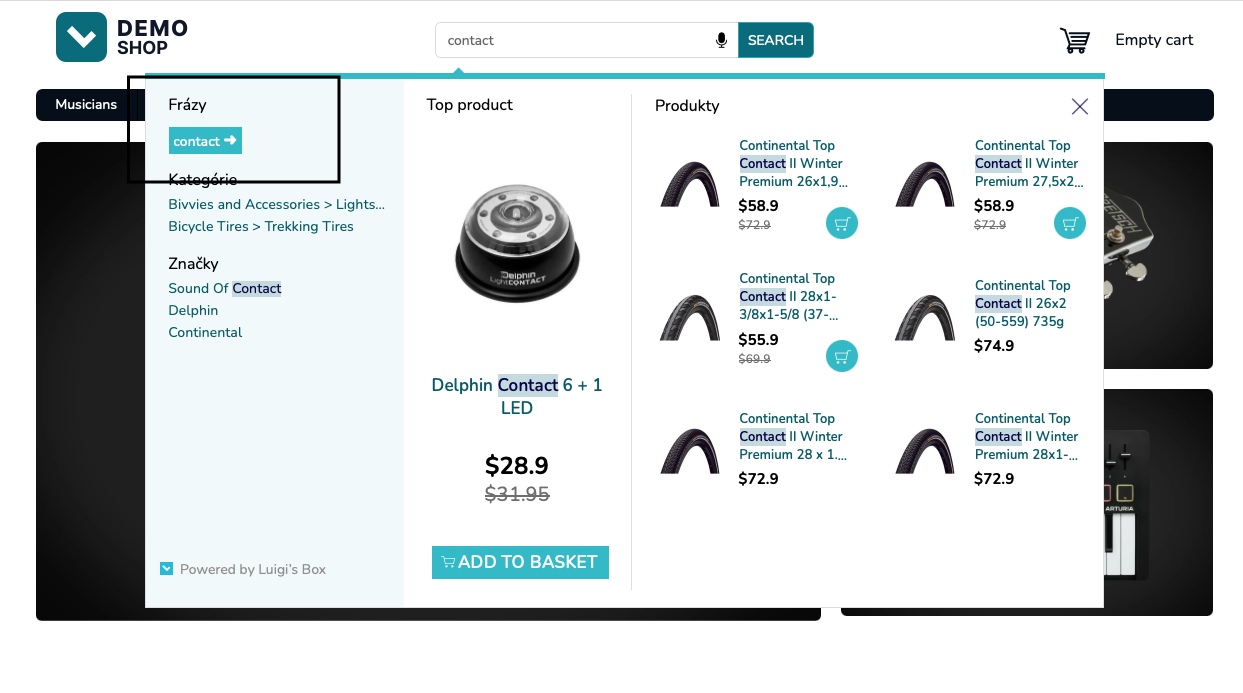
{ "hits": [ { "url": "contact", "attributes": { "fixit_redirect_url": [ "https://demoshop.luigisbox.com/contact-us/" ], "title": "<em>contact</em>", "title.untouched": "contact" }, "type": "query" } ], "suggested_url": "https://demoshop.luigisbox.com/contact-us/?lb_redirected_from=contact"}API response shortened for brevity.
Banner campaigns integration
Section titled “Banner campaigns integration”To provide integration for the Banner campaigns feature obey the banner instructions in the campaigns attribute in the API response.
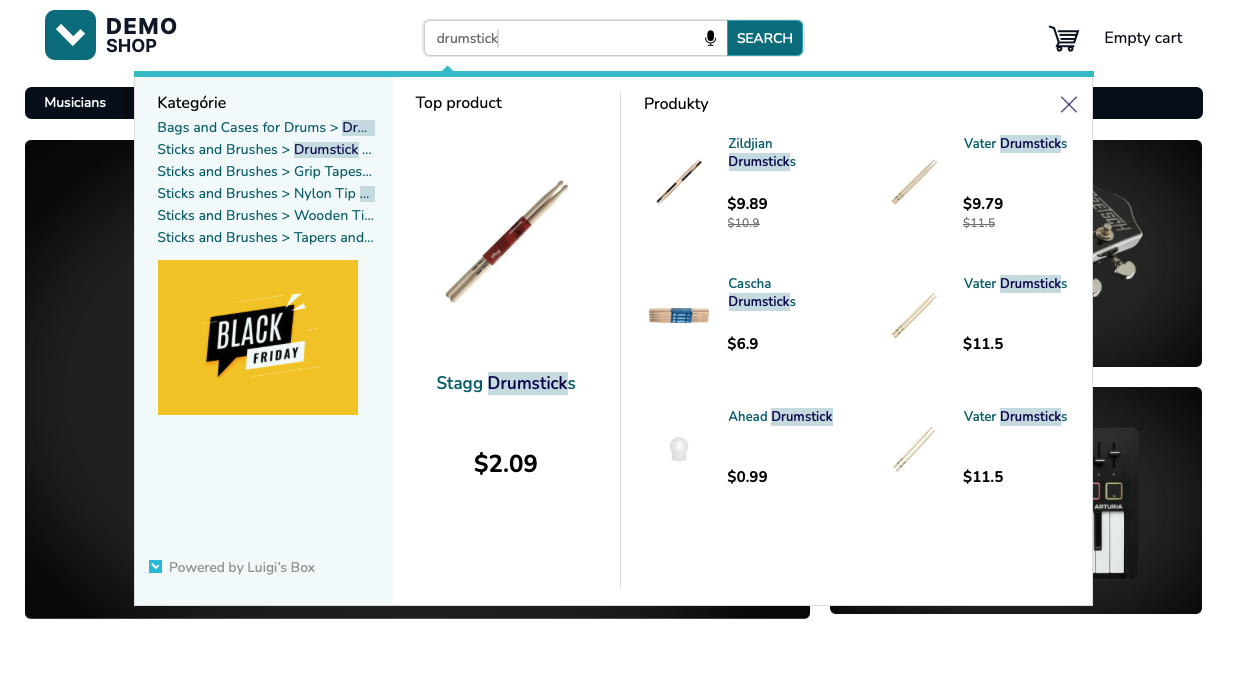
{ "hits": [], "campaigns": [ { "id": 45, "target_url": "https://www.luigisbox.com", "banners": { "autocomplete_list": { "desktop_url": "https://cdn.example.com/uploads/banners/310x240.png", "mobile_url": "https://cdn.example.com/uploads/banners/420x240.png" } } } ]}API response shortened for brevity.
User sign in
Section titled “User sign in”When the user signs in, the API calls needs to be adjusted slightly, since you now have a persistent user identity. By propagating this persistent identity to Luigi’s Box, you will get more accurate personalization since the system will be able to aggregate user data across different devices and sessions.
Fire dataLayer customer_id event
Section titled “Fire dataLayer customer_id event”dataLayer.push({ event: "luigisbox.collector.customer_id", customer_id: "281827"});Once you know the personalized user ID, emit a customer_id dataLayer event. It is safe to emit the event just once per session, but it will not cause any problems if you emit it more than once per session.
Identified user clicks into the searchbox
Section titled “Identified user clicks into the searchbox”When loading the autocomplete recommendations on searchbox click, pass the persistent user ID instead of the transient user ID from the _lb cookie.
https://live.luigisbox.com/v1/personalized_top_items?tracker_id=<tracker_id>&type=item:6,category:3,brand:3,query:3&user_id=<persistent_user_id>&client_id=<transient_user_id>&remove_fields=nesteduser_id=<persistent_user_id>- pass the persistent user IDclient_id=<transient_user_id>- pass the value of the_lbcookie
Identified user starts typing
Section titled “Identified user starts typing”When the user types in a query into the searchbox, you will fire an API request to the autocomplete endpoint to fetch the suggestions for the popup, passing both transient and persistent user IDs.
GET https://live.luigisbox.com/autocomplete/v2 ?q=digital+piano &type=item:7,category:3,brand:3,query:3 &user_id=<persistent_user_id> &client_id=<transient_user_id>user_id=<persistent_user_id>- pass the persistent user IDclient_id=<transient_user_id>- pass the value of the_lbcookie
Limit amount of data transferred
Section titled “Limit amount of data transferred”GET https://live.luigisbox.com/autocomplete/v2 ?q=digital+piano &type=item:7,category:3,brand:3,query:3 &hit_fields=product_id,title,price,image_link &remove_fields=nested &user_id=<transient_user_id>To limit the amount of data transferred between systems, specify the hit_fields and/or remove_fields attribute in the API request. It is an array of result properties which will be included in the API response. By using this, you can significantly reduce the amount of data transfer and increase performance.
What’s next?
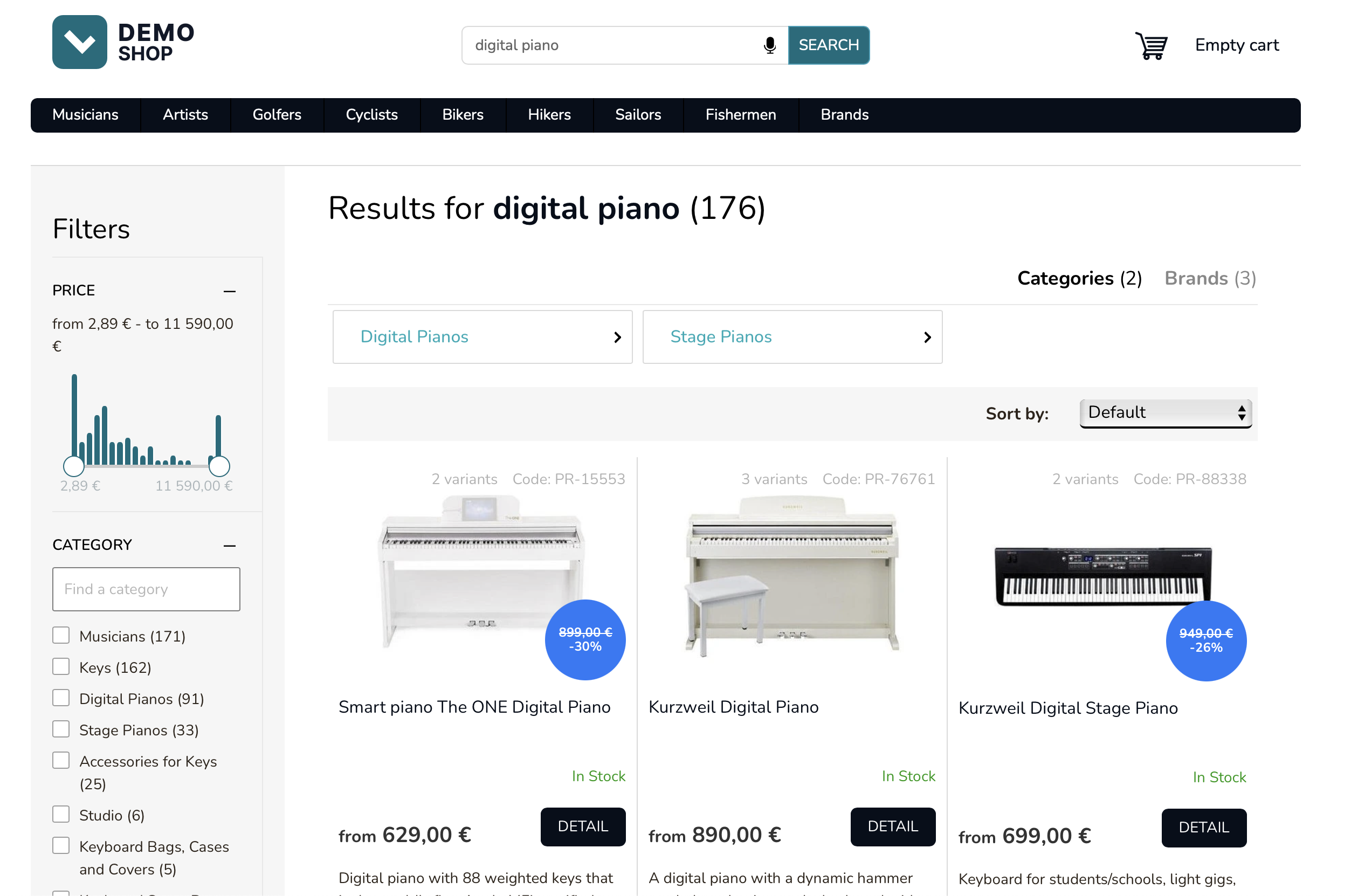
Section titled “What’s next?”Continue by implementing the search experience, that is, the search results page (SERP) when the user presses Enter.
Was this page helpful?
Thanks.